Menu
A menu that looks like your place, on every guest’s phone.
Upload your PDF, or build a web menu with photos, prices and Arabic names. The plaque never changes. The menu behind it does.
- Photo grid with search
- Arabic names, EN | AR switch
- One plaque, edit forever
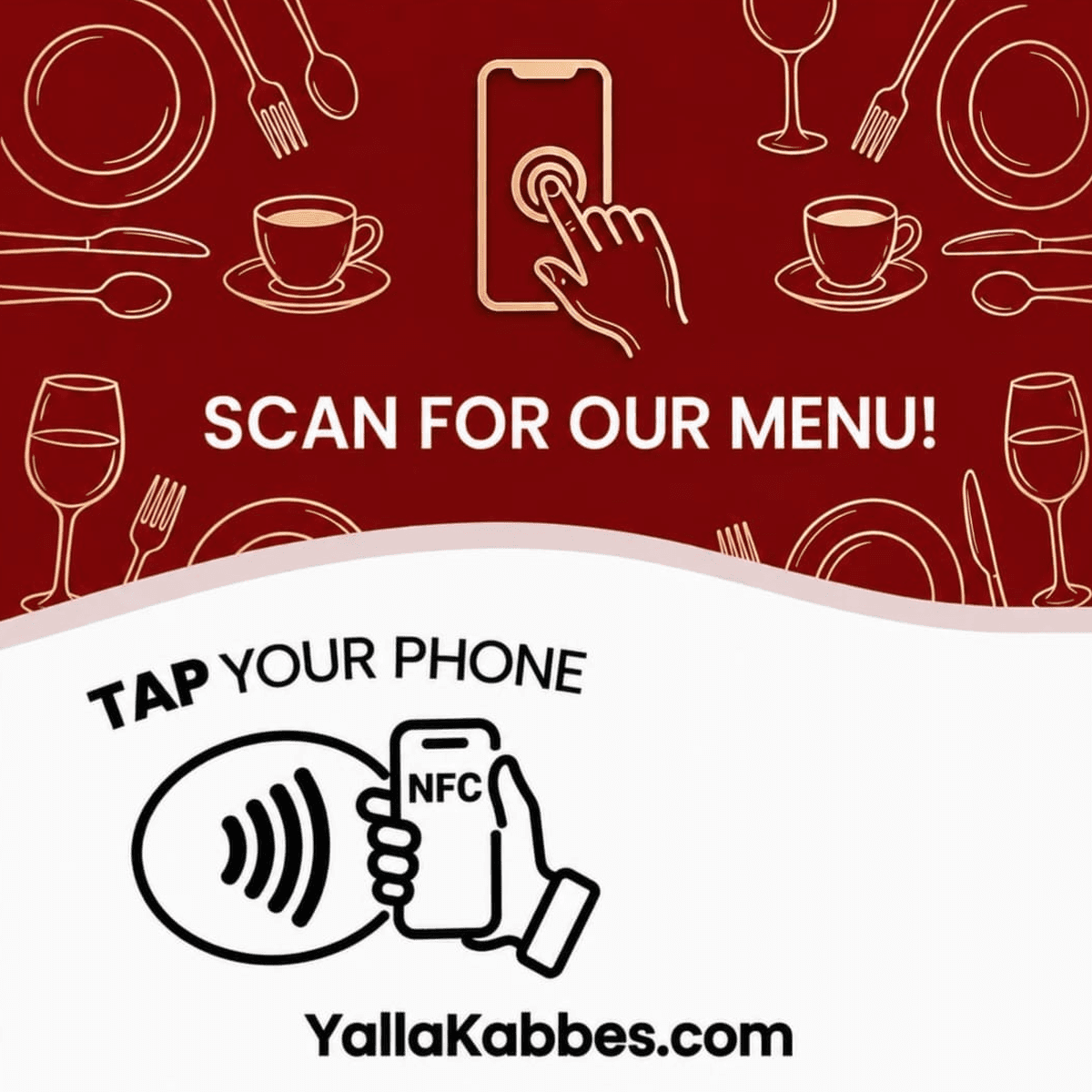
Your menu is a PDF nobody can read on a phone.
Prices change, dishes sell out, and the printed card on the table stays the same.
How it works
- 1
A guest taps the menu plaque
The menu opens in the browser. No app to download.
- 2
They browse like a real menu
A photo grid, a category bar that follows the scroll, search, an EN | AR switch, and a dish panel they can swipe through.
- 3
You edit whenever you like
Change a price or mark a dish sold out. The plaque on the table keeps working, so nothing is reprinted.
- 4
You see the taps
Every open is counted per menu and appears in your daily report.
What you control
Built in the browser, with a live preview as you go.
- Sections, dishes, prices, descriptions and photos
- Spicy level, healthy, vegetarian, vegan and gluten free icons, allergens and calories
- Labels such as New and Chef’s pick, and a Sold out status
- Arabic names and descriptions for every dish
- A style builder: colours, fonts, layout, corners and card look
- Several menus per venue: Food, Drinks, and so on
This is a real web menu. Scroll it, search it, tap a dish to open its panel, and switch between English and Arabic at the top of the menu.
- A category bar that follows the scroll
- Search
- Spicy, vegan and gluten free icons
- Labels, and dishes marked sold out
- English and Arabic names
- A dish panel you swipe
The details
Start from what you have
Import from a PDF in your browser, from an Excel template, or paste the text. Or upload your PDF as it is.
The plaque never changes
The tap goes to your menu page, whatever is on it today. Several menus? One plaque can open all of them, or one.
Safe by design
Everything you type into a web menu is escaped before it is shown. Uploaded PDFs are checked for scripts and attachments.
What it does not do
- An uploaded PDF shows as a PDF. The photo grid, search and Arabic names belong to the web menu.
- Arabic names and descriptions are the ones you type. We do not translate your menu for you.
- A web menu holds up to 40 sections and 800 items.
Questions
Can I keep my PDF menu?
Yes. Upload it and guests see it when they tap. You can switch to a web menu later and keep the PDF one tap away.
Do I reprint the plaque when prices change?
No. The plaque opens your menu page. Change the menu and the next tap shows it.
Can guests read it in Arabic?
If you add Arabic names and descriptions, the menu offers an EN | AR switch and reads right to left in Arabic.